Cleanup
Windows temp files, update leftovers, error reports, app and browser caches, the Recycle Bin.
- Windows Update
- Chrome
- Edge
- Firefox
- Brave
- Spotify
- Discord
- Slack
- Steam
- Epic Games
- VS Code
- Adobe
Windows PC cleaner · Free
One button to free up space, lighten startup and get Windows back on its feet. No ads, no account, no scare tactics.
Smart care
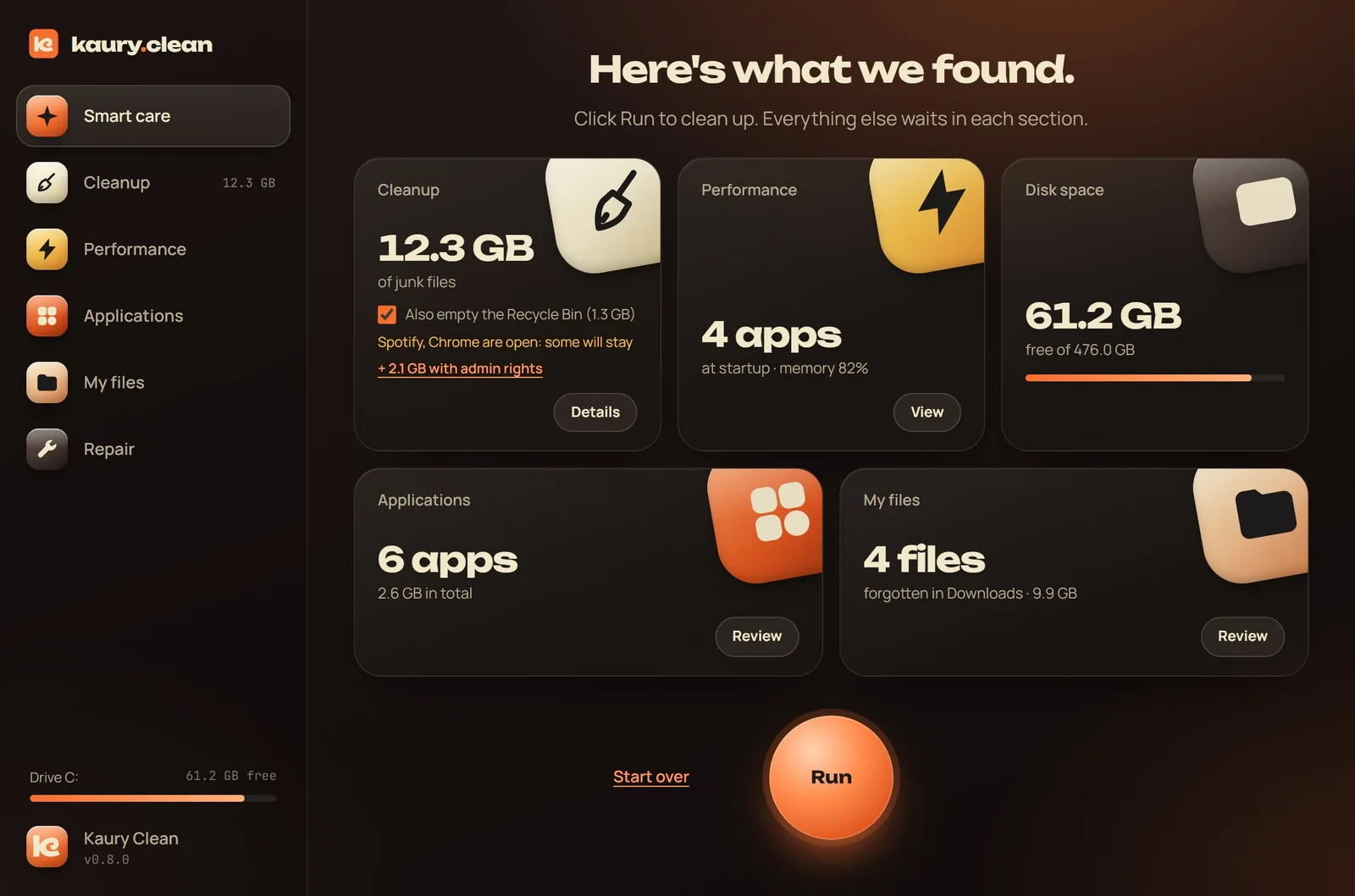
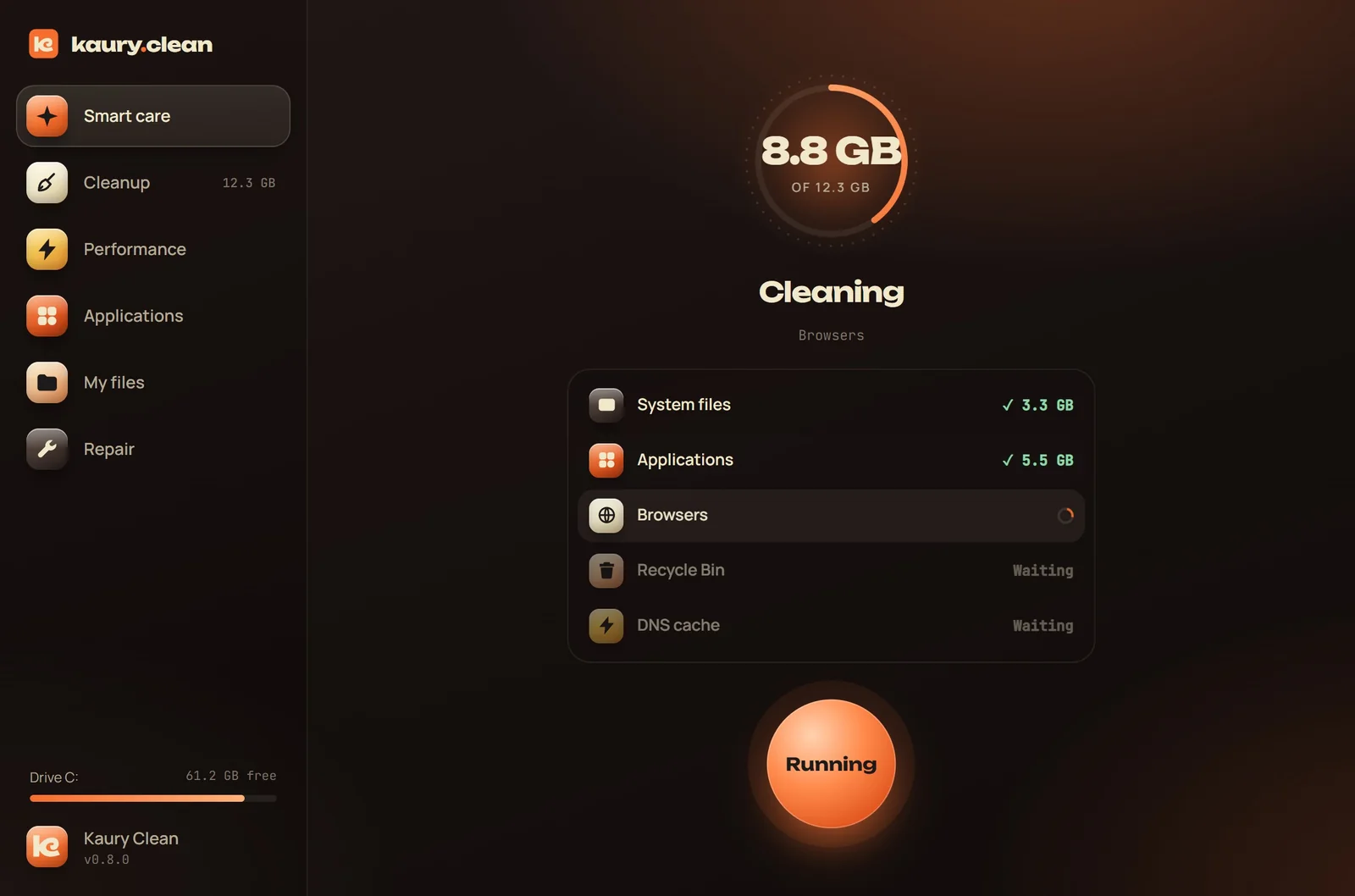
Kaury Clean reviews junk files, startup apps, memory, disk and old downloads. Then it shows you a clear summary, and only cleans what is safe.
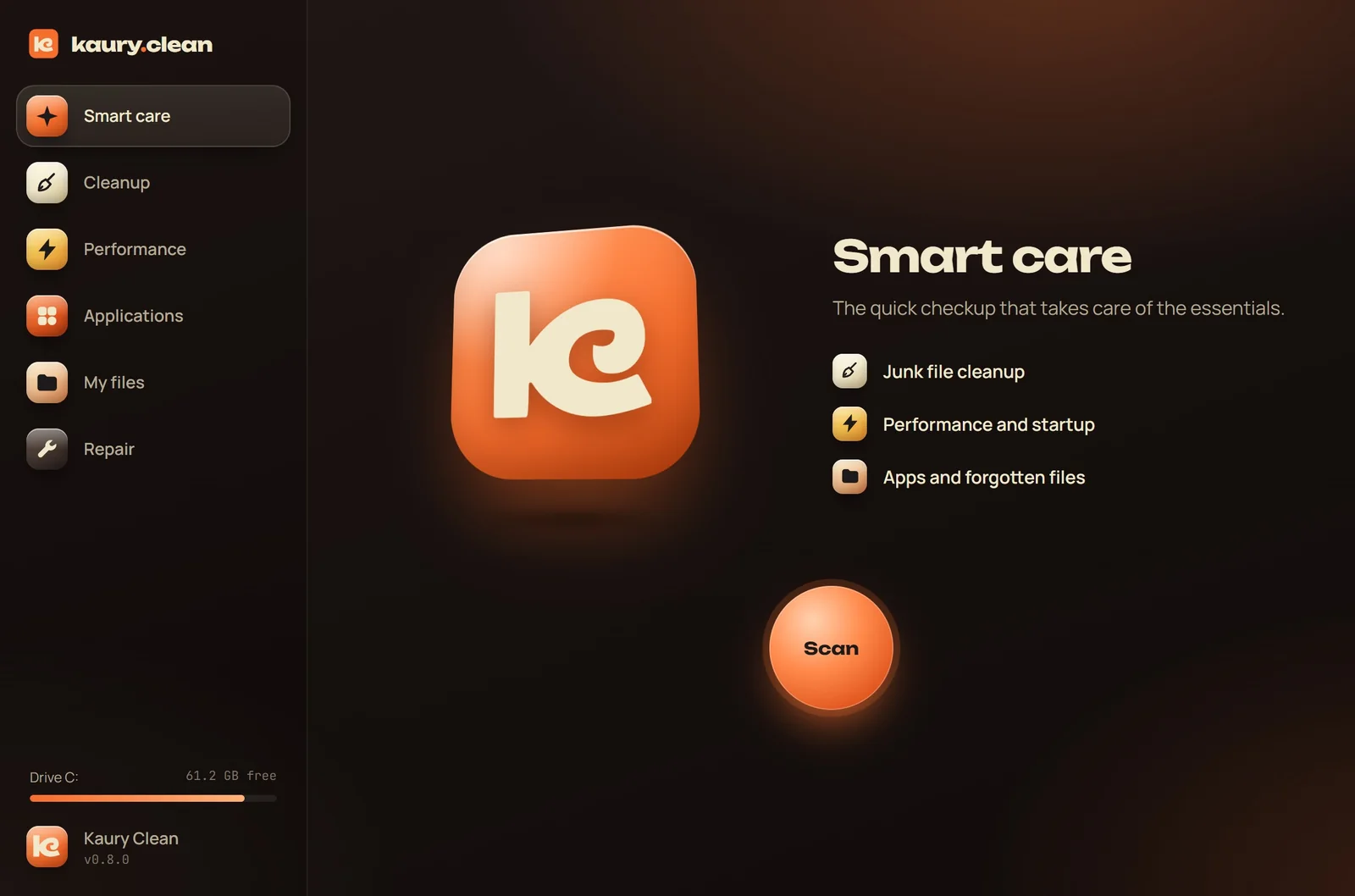
Your whole PC, in one app
Each section does one thing, and does it well. You see everything before deciding.
Windows temp files, update leftovers, error reports, app and browser caches, the Recycle Bin.
See what takes up space on your disk, find large files, duplicates (compared by content, not by name) and old downloads. Tidy your Desktop by type, and undo in one click.
The apps filling your memory, and the ones launching with Windows. Enable, disable, close.
All your apps with their size, sorted and searchable. Uninstalling goes through their official uninstaller.
Restore point, Windows repair, disk check, DNS cache, icons, Microsoft Store.
Our principles
No red alerts, no panicking counters. Kaury Clean shows you, explains, and lets you decide.
You see every item before cleaning. Large files and duplicates go to the Recycle Bin.
Startup apps are disabled, not deleted. Tidying can be undone in one click.
Windows already manages memory. Kaury Clean shows you the hungry apps and lets you close them.
It speeds nothing up and can break Windows. We skip it.
Files left in the cloud are never read, so never downloaded to your PC.
Repairs go through DISM, SFC, chkdsk and restore points. No home-made recipes.
The difference
Support the project
Kaury Clean will never ask you for money. If the app helped you, here's how to help it grow, in thirty seconds.
FAQ
Yes, completely. No paid version, no subscription, no ads, no account to create. Kaury Clean is a project by Kaury Studio, a Swiss design and development studio: the app shows what we can do, and we'd rather it helps as many people as possible.
Yes. Kaury Clean follows your Windows language: English, or French if your Windows is in French. You can switch anytime in About.
Yes. The app is not signed with a paid certificate yet, so Windows warns you as a precaution. Click More info, then Run anyway. The Install page shows exactly where to click.
It's designed so it can't: cleaned folders are fixed in the code, recent or in-use files are kept, nothing is deleted without you seeing it, and repairs use Windows' official tools. It's all explained on the Security page.
No. Its only internet connection checks GitHub for a new version. No statistics, no tracking, no account.
No. Kaury Clean starts without admin rights. Protected Windows folders are flagged and unchecked; a link lets you relaunch the app as administrator if you want to go further.
Windows 10 and Windows 11 PCs (64-bit). No Mac or Linux version for now.
Each time it opens, Kaury Clean checks for a new version and offers to install it in one click. Your settings are kept.
Like any software: Settings › Apps › Kaury Clean › Uninstall.
Two minutes to install, one click to clean.
Free · 1.6 MB · Windows 10 and 11