Skip to content

Features

Everything you need. Nothing more.

A one-click checkup for everyday use, and six sections to go further whenever you feel like it.

Smart care

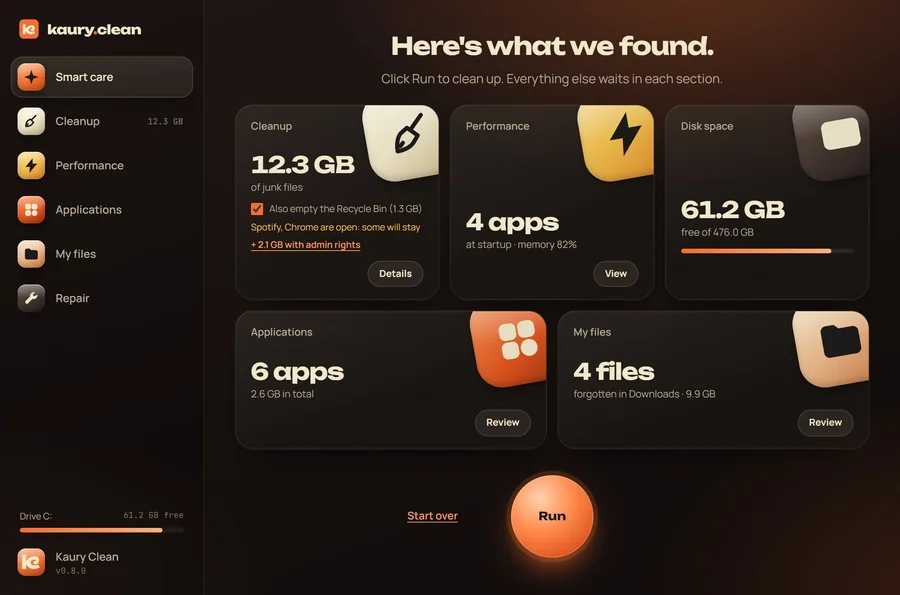
One button for the essentials. Kaury Clean goes around your PC and shows what it found as clear cards. Run cleans what is safe; everything else waits in each section.

  • Junk files: the total you can free, with the Recycle Bin as an option.
  • Startup and memory: apps launched with Windows, memory in use.
  • Disk space, installed apps and forgotten old downloads.
  • The DNS cache is flushed along the way.
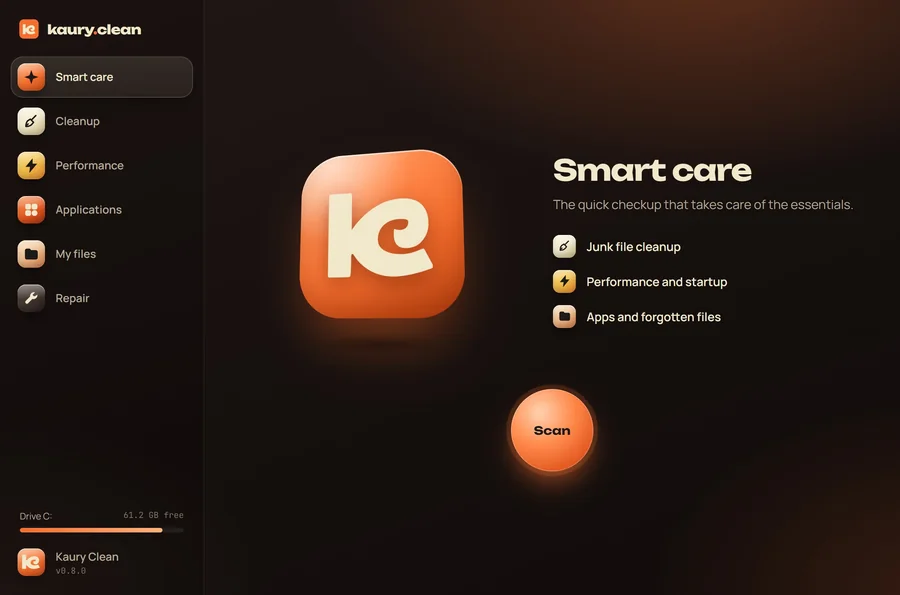
Home screen: smart care and its Scan button.
The summary: 12.3 GB of junk files, 4 startup apps, 61.2 GB free.

Cleanup

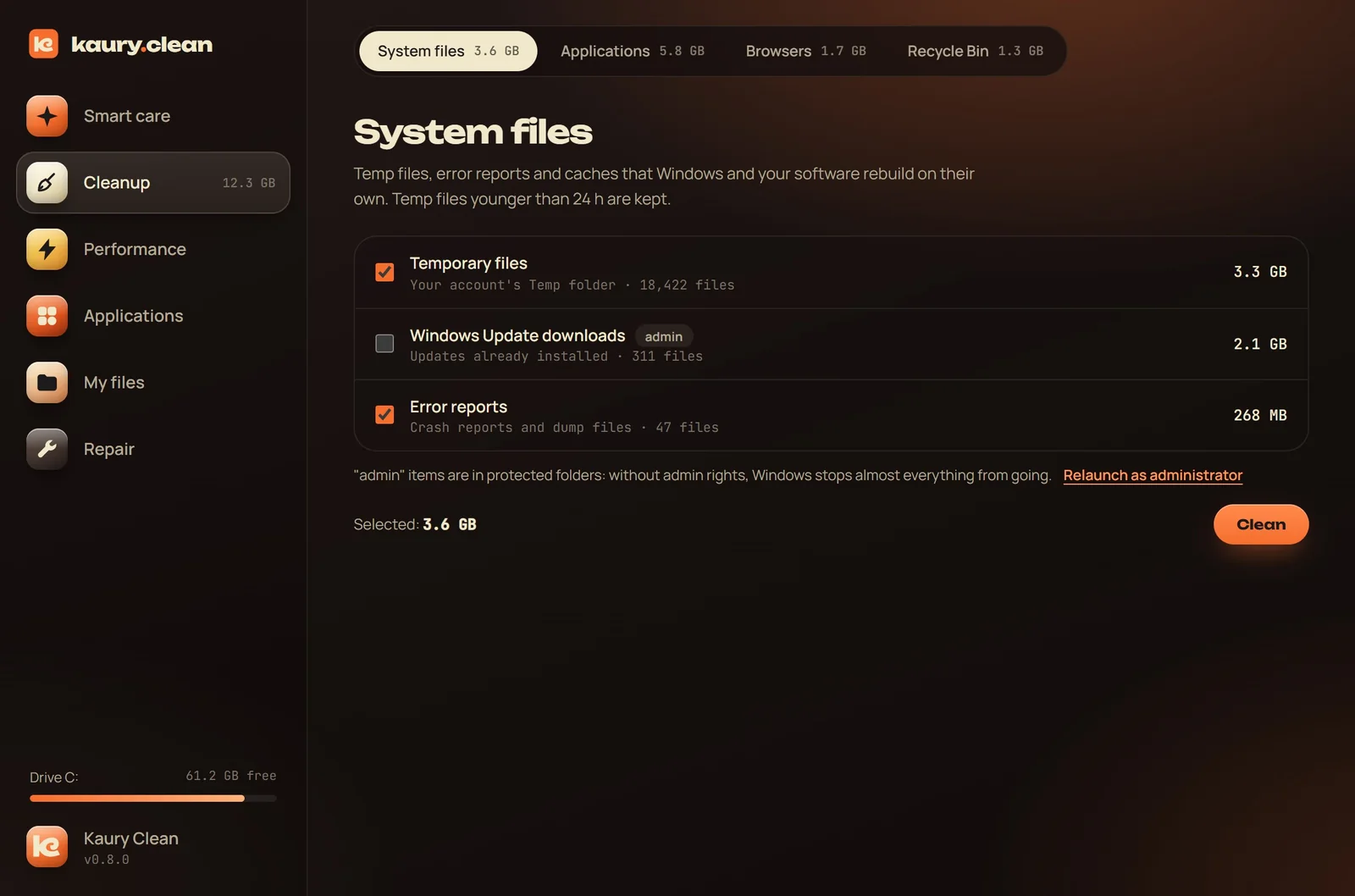
Files that Windows and your software rebuild on their own, grouped by family, with the size of each.

  • System files: temp files, Windows Update leftovers, error reports, graphics cache.
  • App caches: Adobe, Spotify, Discord, Slack, Teams, WhatsApp, Steam, Epic Games, VS Code, Cursor, npm, Yarn, pip.
  • Browsers: Chrome, Edge, Brave, Firefox, Opera and Vivaldi. Your passwords, bookmarks and sessions stay put.
  • The Recycle Bin, if you want.
The Cleanup section: temp files 3.3 GB, error reports 268 MB.

Performance

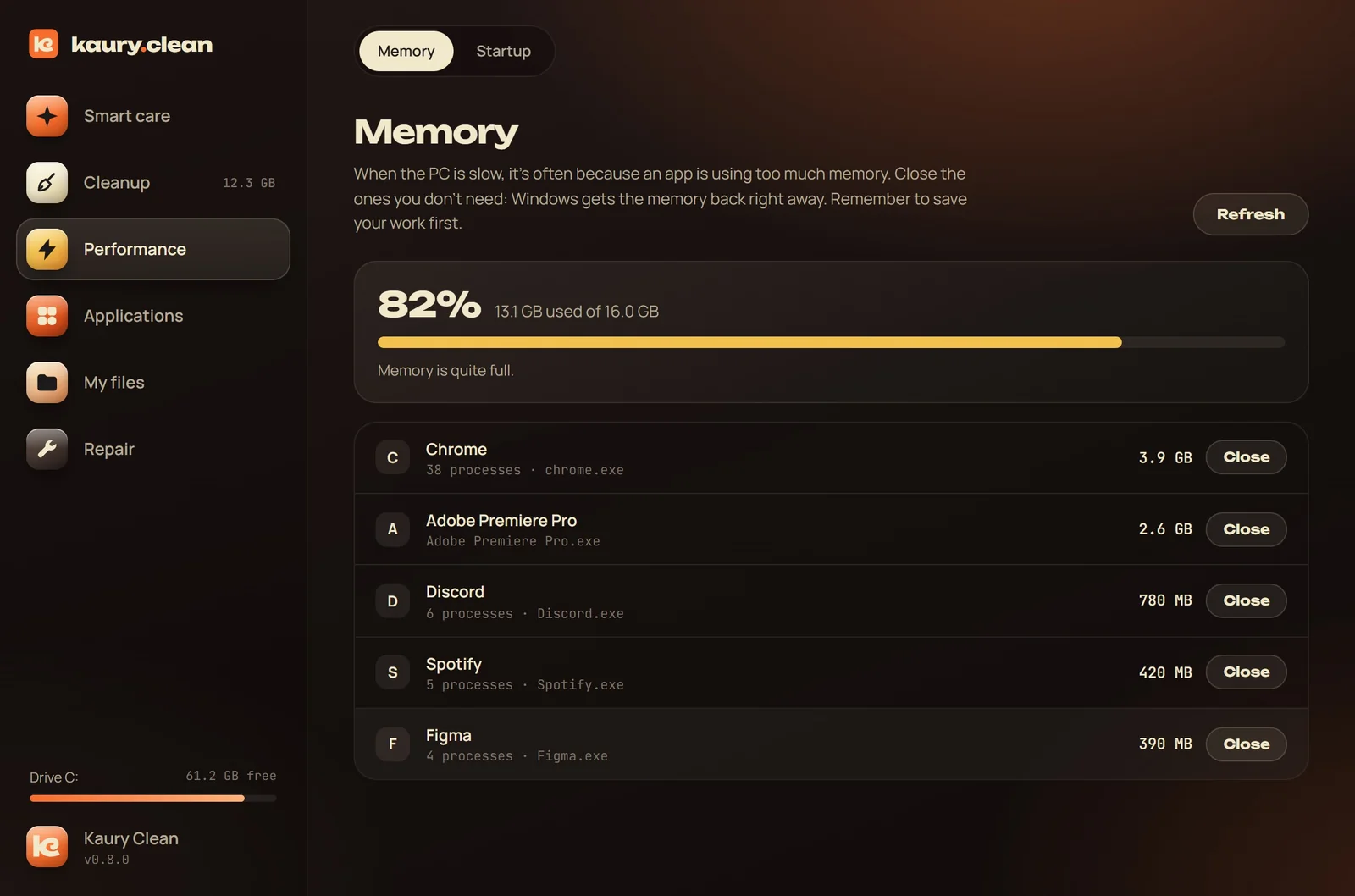
No fake "RAM cleaning": Windows already manages memory. Kaury Clean shows you what really fills it instead.

  • Memory: the apps using the most, closed gracefully or forced.
  • Startup: turn apps launched with Windows on or off. Disabled, never deleted.
  • Windows processes are never offered for closing.
The Memory section: the apps using the most memory.

Applications

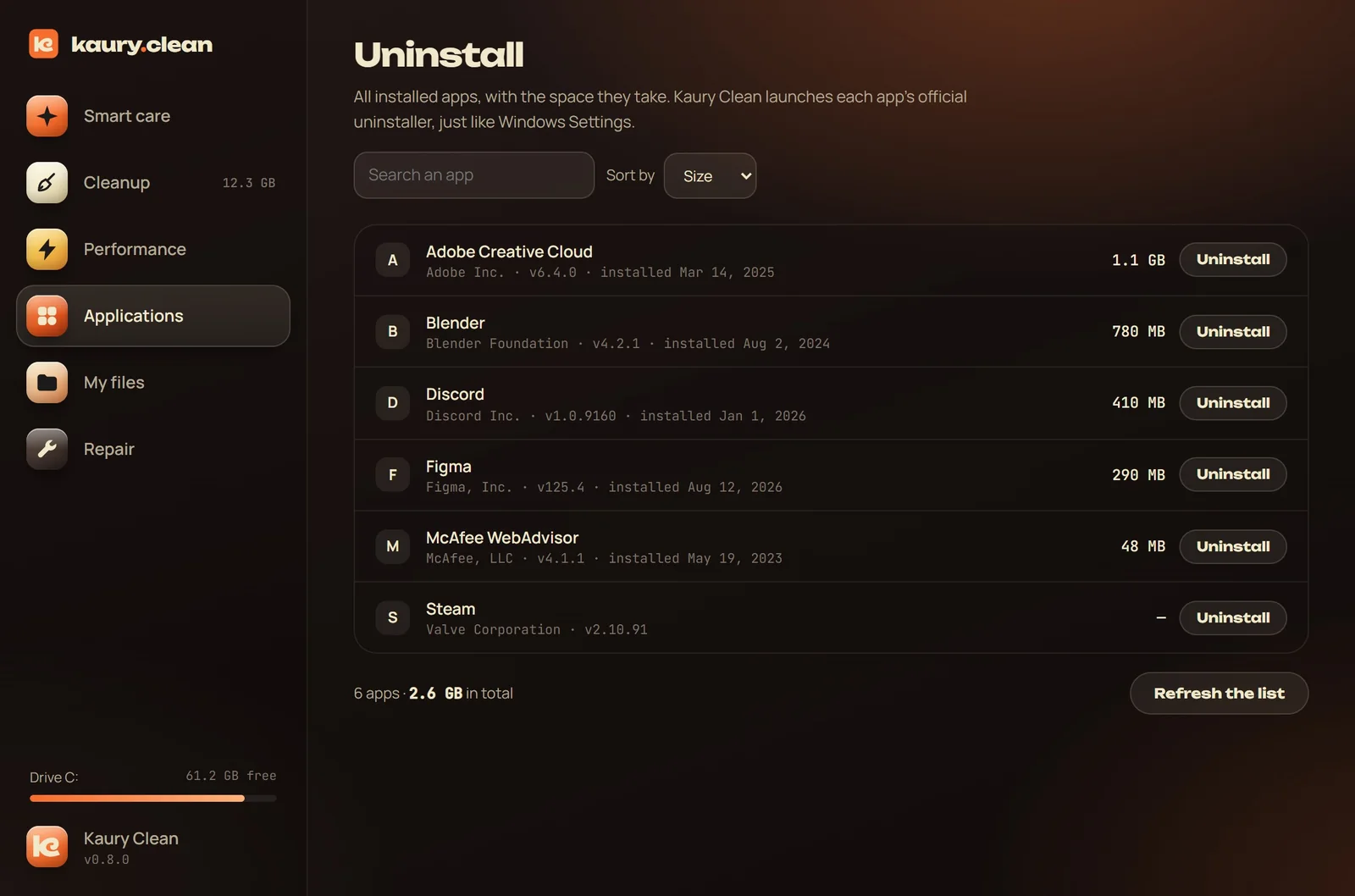
Every installed app, with its size. Sort, search, and make room by removing what you no longer use.

  • Search and sort by name or by size.
  • Official uninstall: each program's own uninstaller is launched, just like from Settings.
The Applications section: installed apps with their size.

My files

What really clutters a disk is often your own forgotten files. Kaury Clean finds them, without ever deleting anything for you.

  • Disk map: what takes up space, folder by folder. Read-only, nothing is deleted from there.
  • Large files and duplicates, compared by content. You can never delete every copy of the same file.
  • Old downloads sleeping in your folder for months.
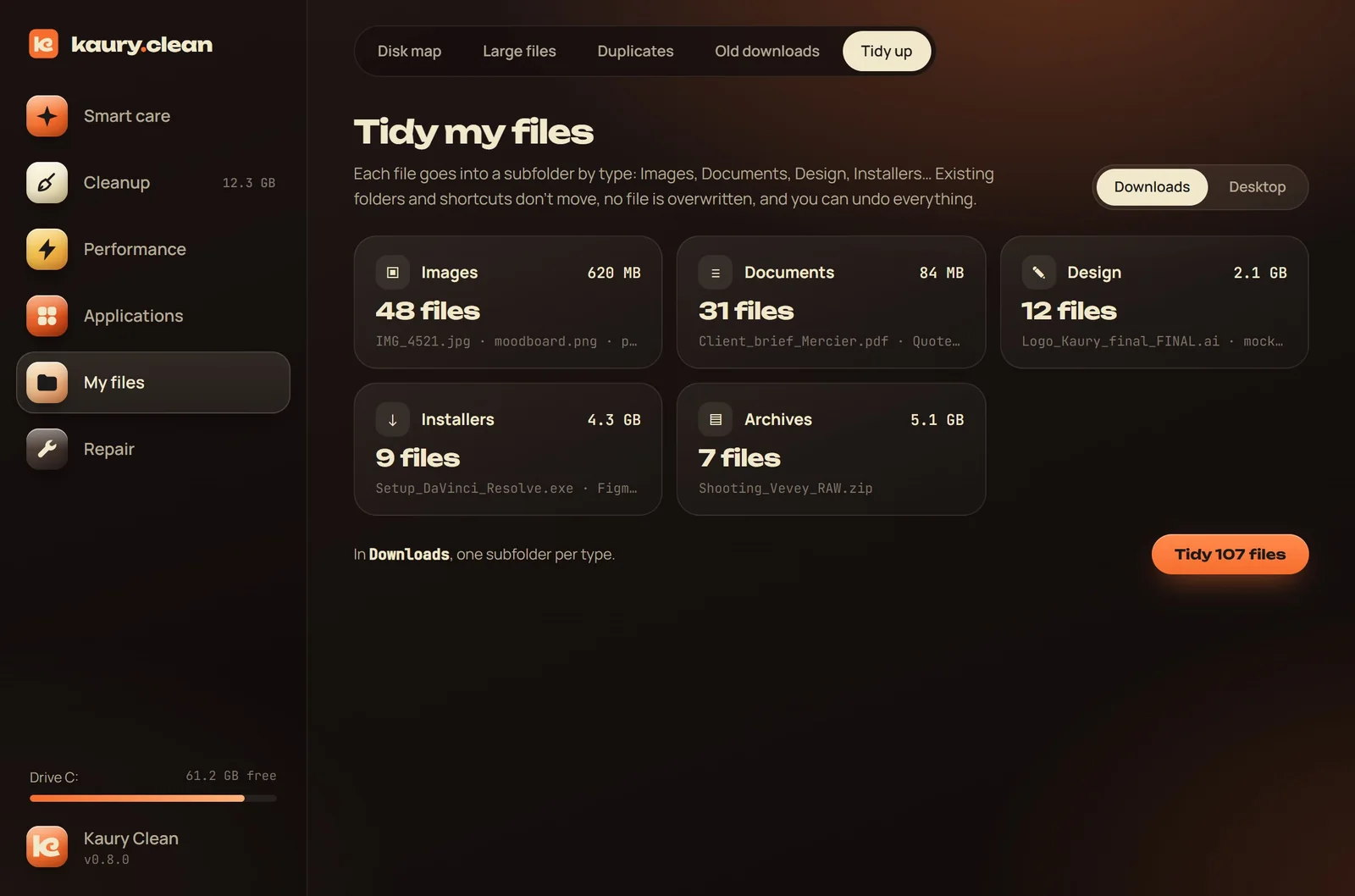
  • Tidying Downloads or the Desktop by file type, undoable in one click.
  • Everything deleted goes through the Recycle Bin.
Tidying a folder by file type.

Repair

Windows' repair tools, finally usable without a command line.

  • Restore point, so you can always go back.
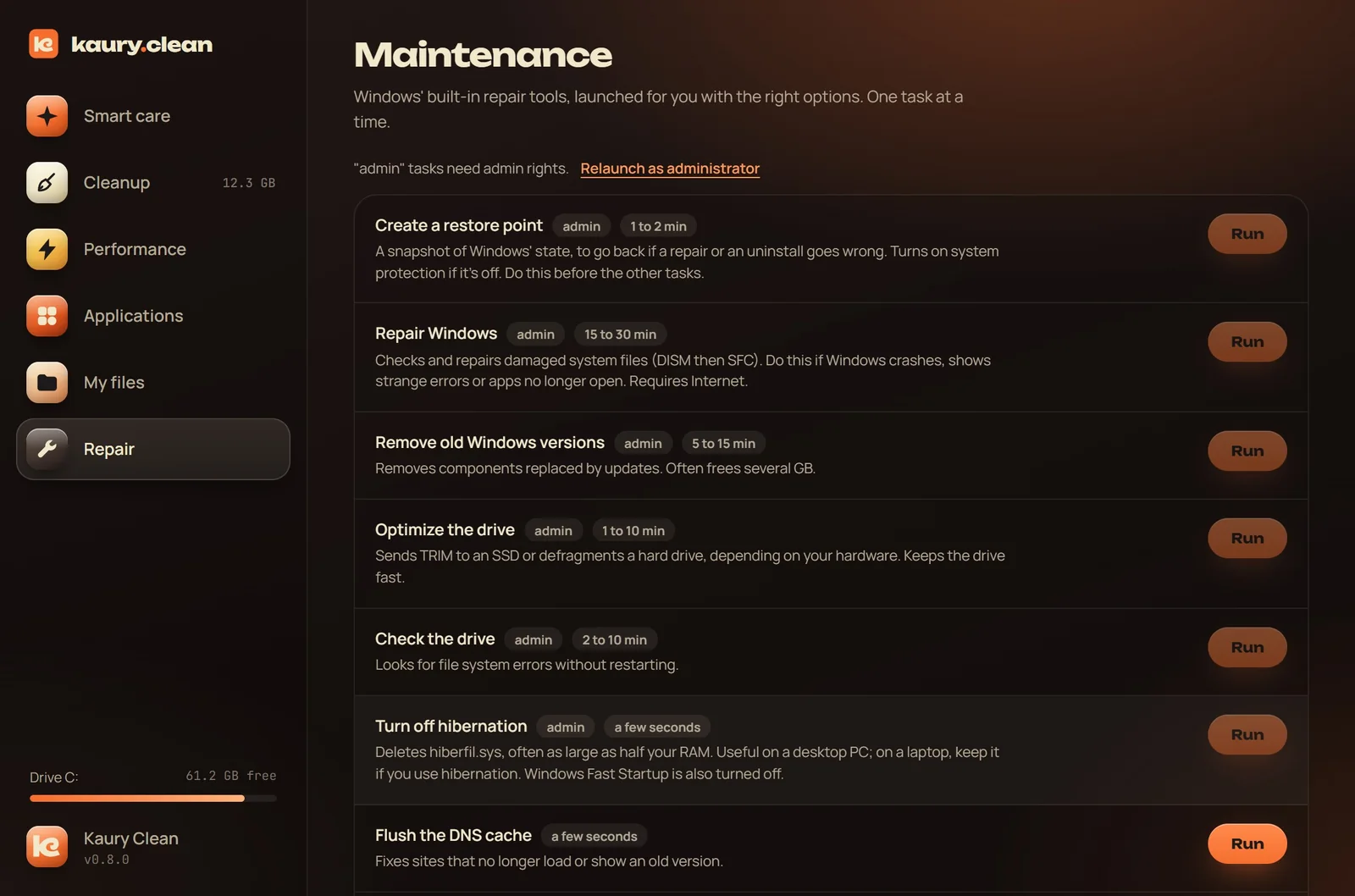
  • Windows repair with DISM and SFC, disk check and disk optimization.
  • Previous Windows installations, hibernation, DNS cache.
  • Restart Explorer, rebuild icons, repair the Microsoft Store.
The Repair section: Windows tools, each one explained.

Always up to date

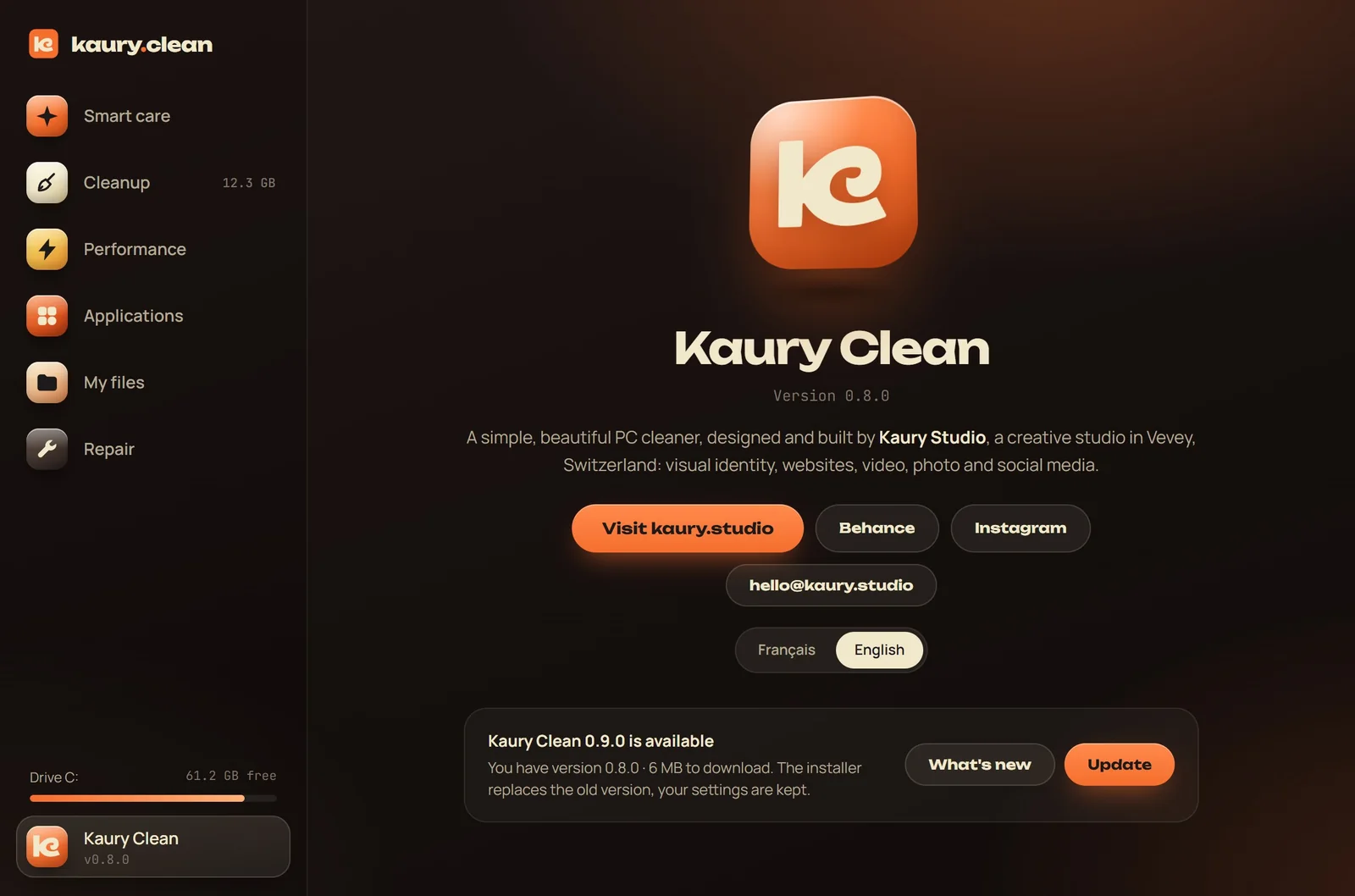
Each time it opens, Kaury Clean checks for a new version and offers to install it in one click. Every update is signed, and your settings are kept.

See what's new

The Kaury Clean page in the app: the studio and updates.

Try it on your PC.

Free, 1.6 MB, installed in two minutes.